

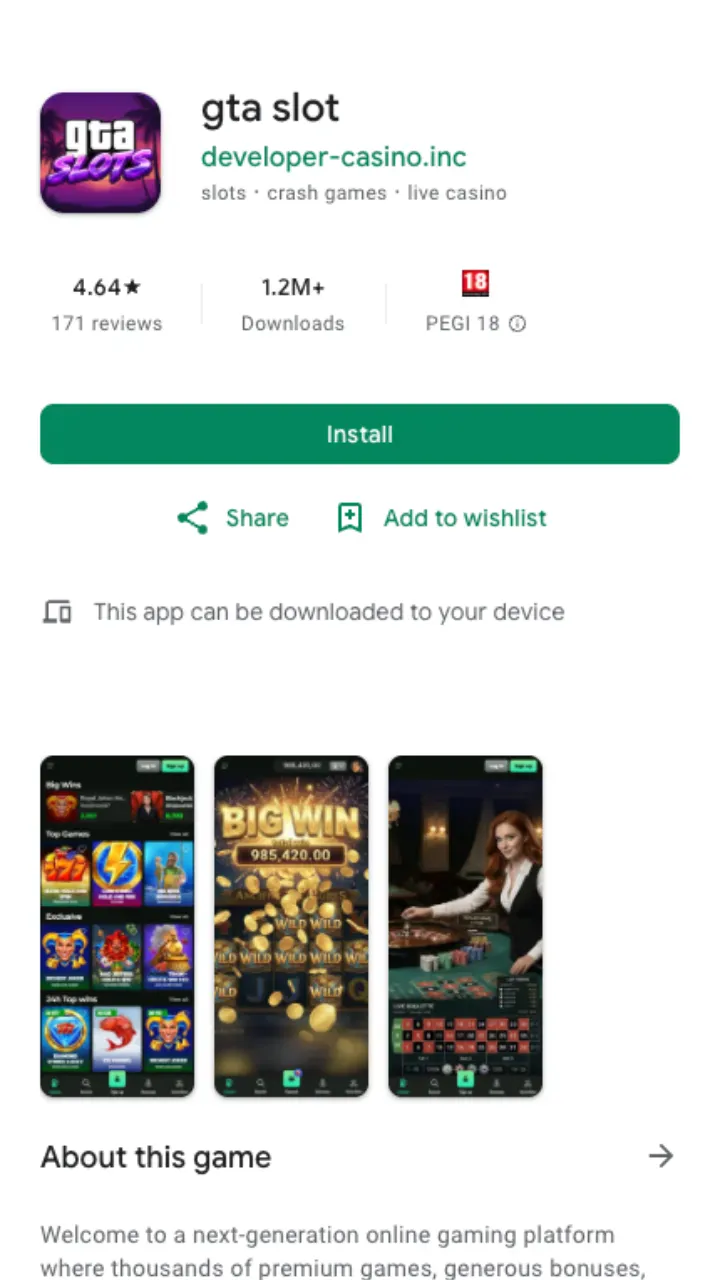
Let's clear up the naming first, because it trips people up. Search traffic for a "gta casino" tends to mix two very different things: the in-game Diamond Casino from Grand Theft Auto Online, and this real-money site. They share a name and an aesthetic, nothing else. If you arrived hunting for a gta casino glitch pc or looking to spin the Lucky Wheel in the Diamond, that lives inside Rockstar's game and pays out fictional chips. What you'll find below is the download guide for the real gta casino mobile client, where the balance is your own money and the bonus is a genuine 100% up to £1,000 + 100 FS.
The app isn't a separate build sitting in the Play Store or App Store. Apple and Google both keep real-money gambling apps out of their UK listings unless the operator jumps through licensing hoops, so the site ships a progressive web app (PWA) instead. You install it straight from the site. It behaves like a native app afterwards, its own icon, full-screen launch, no browser bars, and it updates itself.
How to install on Android
Chrome does most of the work for you. The whole thing takes under a minute:
- Open gta-slot.com in Chrome on your phone.
- Tap the three-dot menu in the top corner.
- Choose "Install app" or "Add to Home screen".
- Confirm the prompt. An icon lands on your home screen.
- Launch it and log in, or finish registration if you're new.
If you don't see the install option, refresh the page once and check you're on Chrome rather than a Samsung Internet or in-app browser. Older phones on Android 8 and below sometimes bury the prompt under "Add shortcut" instead, which works the same way.
How to install on iPhone and iPad
iOS handles PWAs through Safari, and only Safari, so don't try this in Chrome for iPhone.
- Open gta-slot.com in Safari.
- Tap the Share button (the square with the upward arrow).
- Scroll and select "Add to Home Screen".
- Rename it if you like, then tap Add.
- Open the new icon and sign in.
On iPhone the installed client runs full-screen and remembers your session, so you skip the login screen on repeat visits. One quirk: iOS occasionally logs PWAs out after a long idle period, a system-level habit rather than a site fault. A quick re-login fixes it.
What the mobile client gives you
Everything the desktop site has, sized for a thumb. The lobby carries the same catalogue from BGaming, Yggdrasil, Thunderkick, Spinomenal and Platipus, so you're not stuck with a cut-down slot list. A few things that matter day to day:
| Feature | On the app |
|---|---|
| Slots library | Full 10,000+ catalogue, filterable by provider |
| Live casino | Streamed tables run fine on 4G or Wi-Fi |
| Welcome bonus | 100% up to £1,000 + 100 FS, claimed the same way |
| Deposits | From £10 (£20 to activate the bonus) |
| Withdrawals | From £20, crypto within 24 hours, cards 1-3 business days |
| Support | Live chat and email, both 24/7 |
Deposits and cashouts run through the same cashier you'd use on desktop. Verification also carries over: if you've already sent your passport or driving licence and a recent utility bill, KYC clears in up to 24 hours and you won't be asked again on mobile.
Playing when your region blocks access
Two of the most common questions we get are phrased around consoles: how to play gta casino in banned countries ps4 and how to play gta casino in banned countries ps5. Worth separating the two meanings again. Inside GTA Online, Rockstar geo-locks the Diamond Casino's gambling features in certain territories, and that lock is enforced by your PSN account region, not the console, so there's no clean fix on PS4 or PS5 short of an account tied to a permitted country. That's Rockstar's call and outside anything this site controls.
The real-money site is web-based, which is a different situation. Access depends on your location and local law. The operator runs under a Curaçao licence and restricts play in regions it isn't permitted to serve. We won't hand you a workaround for that, dodging a block can void your account and any winnings under the terms, and it isn't worth the risk. If the site loads in your country, the PWA installs and runs the same on any phone.
Common install snags
Most problems come down to browser choice. Android needs Chrome, iPhone needs Safari, and neither will show the install prompt from inside a link opened in Facebook, Instagram or another app's built-in browser. Copy the address into the proper browser first.
If the icon installs but pages load slowly, clear the site's cached data and reopen, the PWA re-downloads its shell and speeds back up. Storage-starved phones sometimes refuse to install; free up a little space and retry. Still stuck? Live chat is staffed around the clock and can talk you through it in English, German or Greek.
Is the mobile version safe to use?
The PWA loads over the same encrypted connection as the desktop site and stores nothing sensitive on your phone beyond a login token. Your card details sit with the payment processor, not the app. Because it installs from gta-slot.com directly rather than a third-party APK file, there's no sideloading and no risk of a tampered package, a genuine advantage over hunting down an .apk from a random forum. Ready to spin? Grab the welcome bonus on desktop or mobile, browse the games library, or head back to the main review for the full picture on payouts and terms.